
Accessing the Monitor as a partner user
If you have access to a company as a partner user, you can switch to that company.
- Under your user menu, select the company banner.
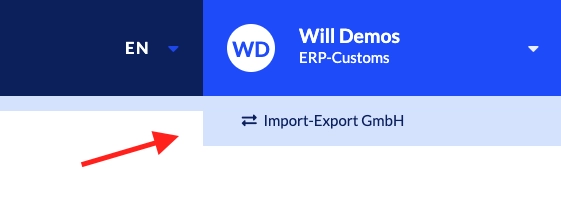
- From the drop-down, select the company you have access to as a partner user.
- Select View customer.
Updated 3 months ago
What’s Next
Did this page help you?