
Submit feedback and view product updates
The “News & Feedback” section of the Monitor allows users to get updates about what is happening at ecosio, as well as provide feedback as it relates to the Monitor experience.
Introduction
The “News & Feedback” section of the Monitor is intended to allow users to do the following:
- Get all the latest news on what is happening with the Monitor
- Give in-product feedback directly about the experience being had inside the Monitor
- Upvote others’ feedback as it relates to your Monitor experience.
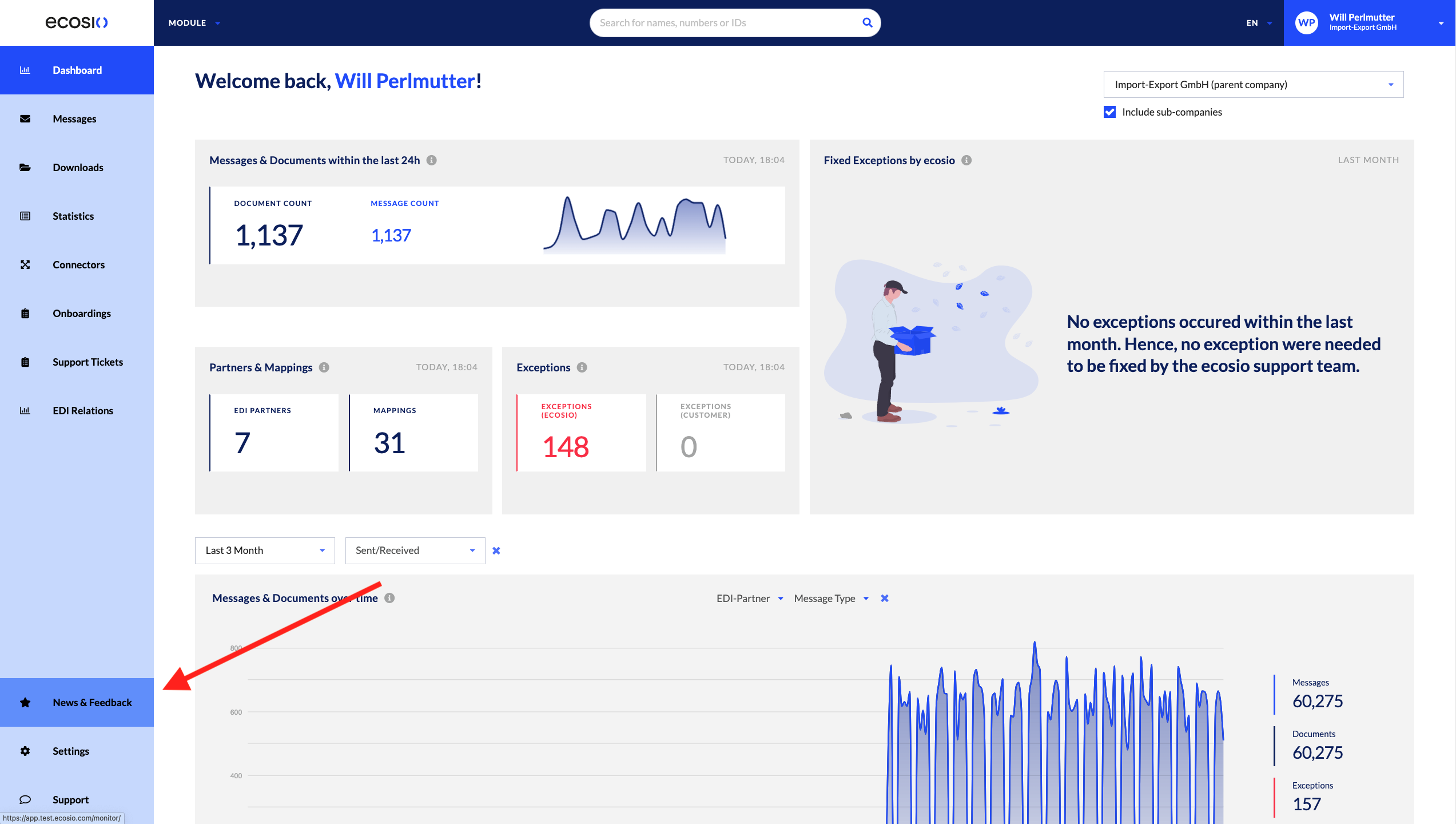
The “News & Feedback” button can be seen below:
Prerequisites
There are a few things to consider when it comes to the “News & Feedback” button:
- All users have access to it, irrespective of their permissions. For more information about permissions, see Manage company settings.
- Users, upon logging into the Monitor for the first time, have a user for featurebase created.
Step-by-Step Guide
As mentioned above, the “News & Feedback” button is shown below:
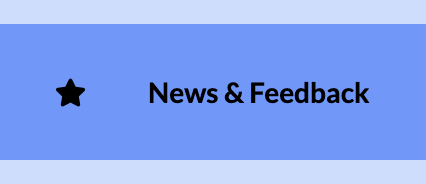
Users can submit feedback, upvote feedback, or get product news accordingly.
Submit and Upvote Feedback
Upon clicking on the button a window will pop up where you can submit your feedback and bugs:
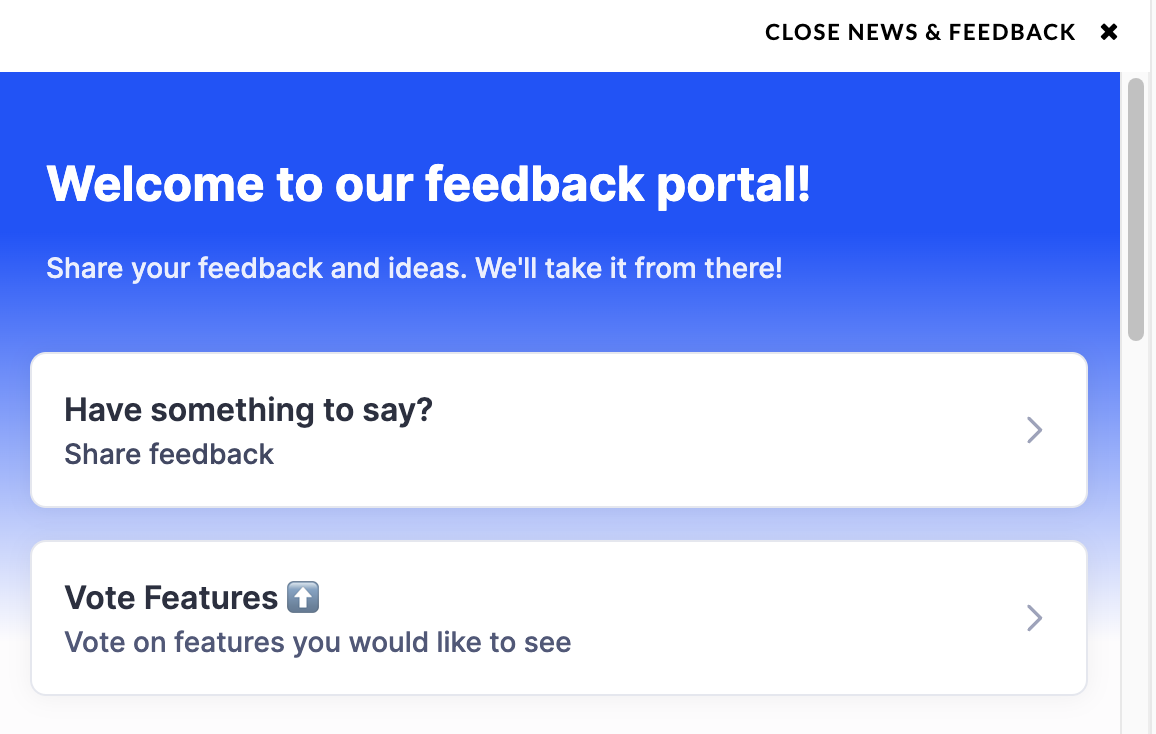
If you select Have something to say?, as listed above, the following text box will appear where you can input your in-product feedback (as shown below):
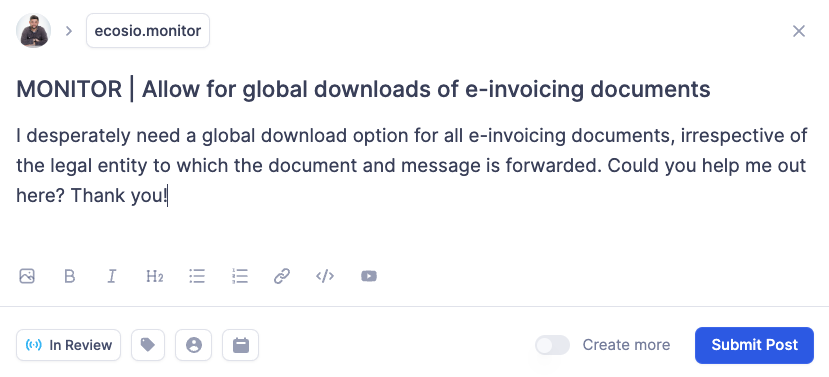
Once you select Submit Post, the post is moderated by the Monitor team.
When the post is approved, it can be upvoted. By clicking the “Vote Features ⬆️” button, as shown previously, you’ll be able to vote on other posts and share your preference to the Monitor team.
An example is shown below:
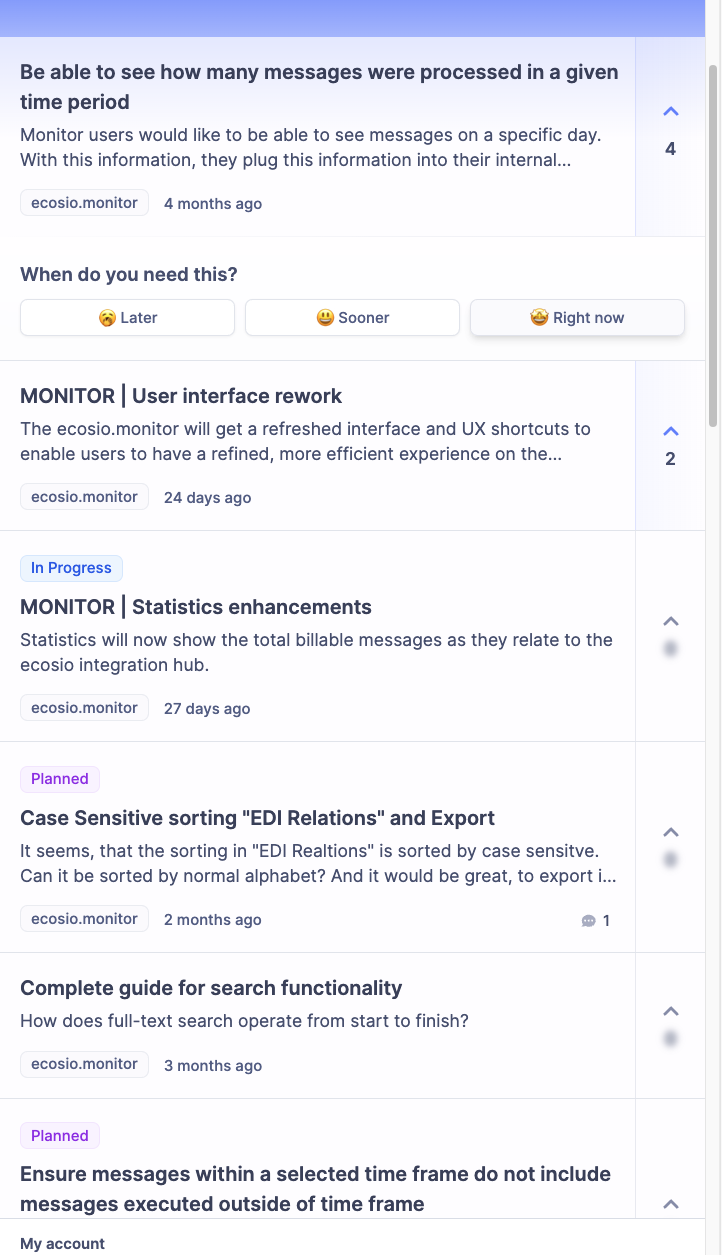
Additionally by upvoting, you’ll be asked a question about the importance or timing of the feedback. This is shown below:

By doing this, the Monitor team can help collect and prioritise your feedback when further developing the product.
Product News
Upon clicking the “News & Feedback” button as described above, users can also view the latest updates as they relate to the Monitor. An example is shown below:
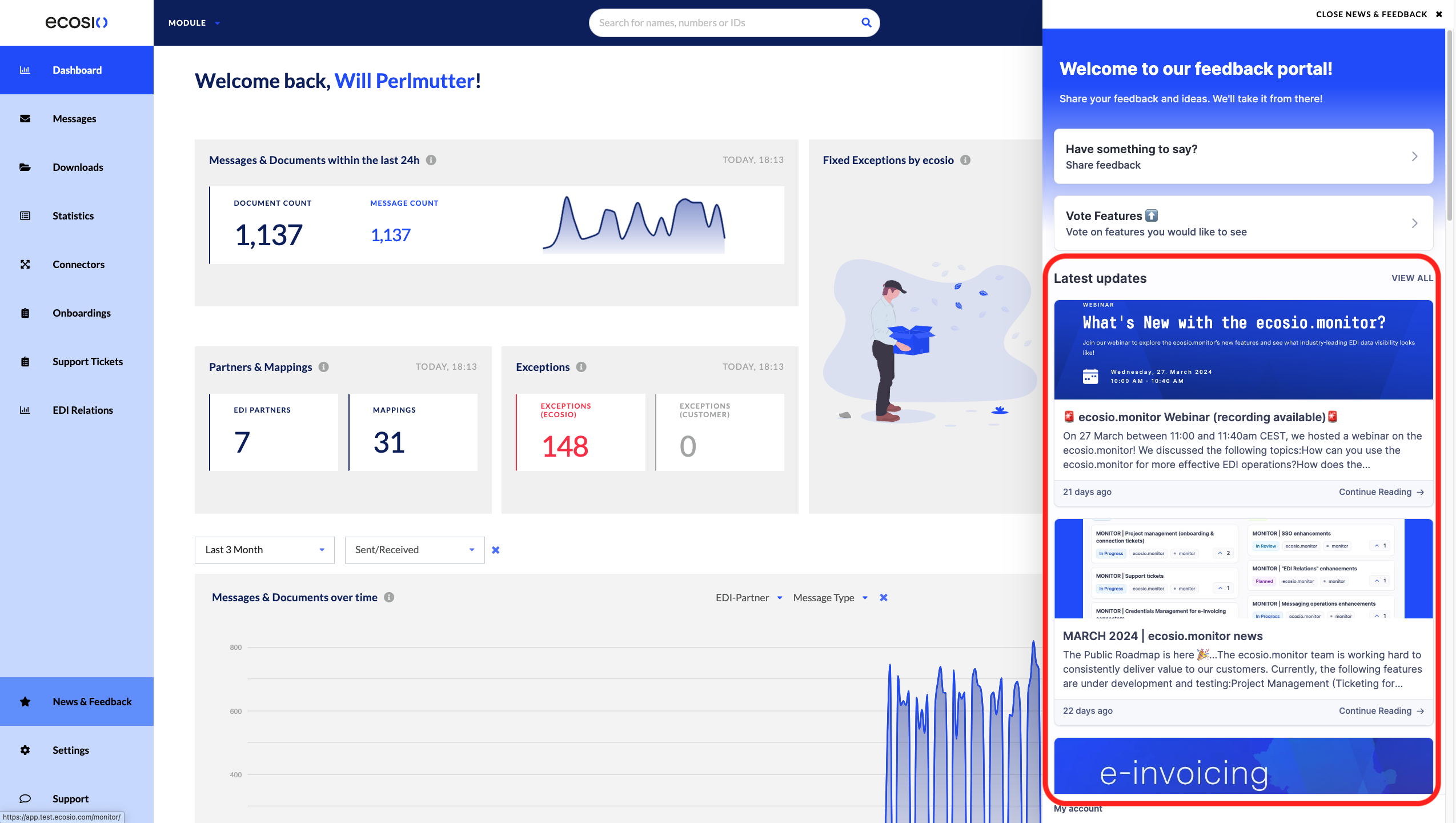
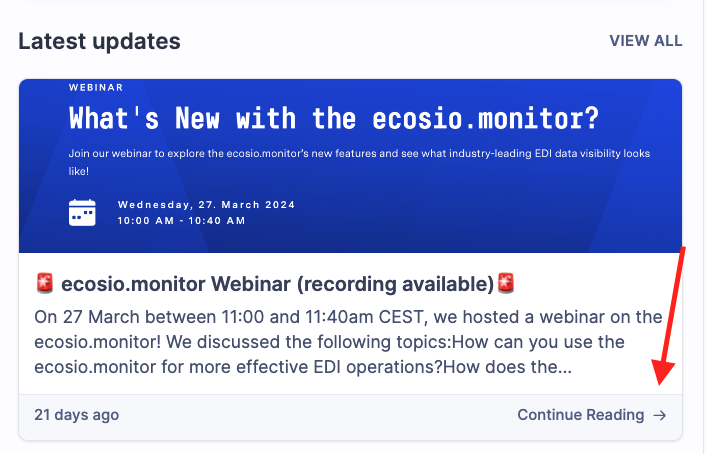
Select Continue Reading to get the full update from the Monitor team:
An example of the update is shown below:
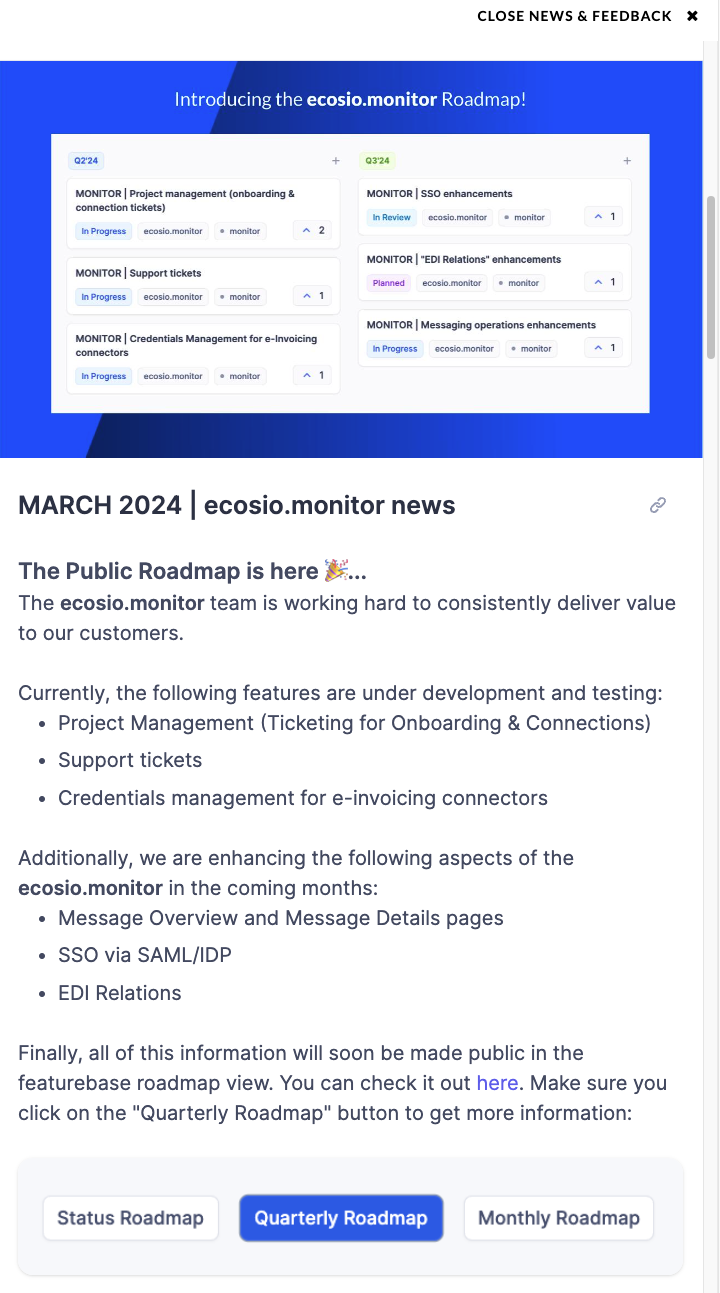
This way, you can always keep up-to-date about the Monitor and what we are doing to add value to your experience.
FAQs
Can I as a user unsubscribe from being a user of featurebase currently?
- This is currently not possible. At the same time, do note that the creation of a featurebase user is done with full GDRP compliance in mind.
Are there plans to deliver users product news via email?
- Yes. However at this time, we do not want to spam all users with product news. In the future, we will allow users to opt-in for receiving product news via email.
Updated 12 days ago